
The till and table system that brings customers back.
The till, floor plan, kitchen screen, campaigns and coupons run on a computer or tablet; you don't need a mobile app. If you want one, add the staff and customer apps: waiters take orders at the table on their phone, and customers collect points and come back.
- Loyalty and stamp card
- Campaigns and coupons
- Waiter app
- Customer app
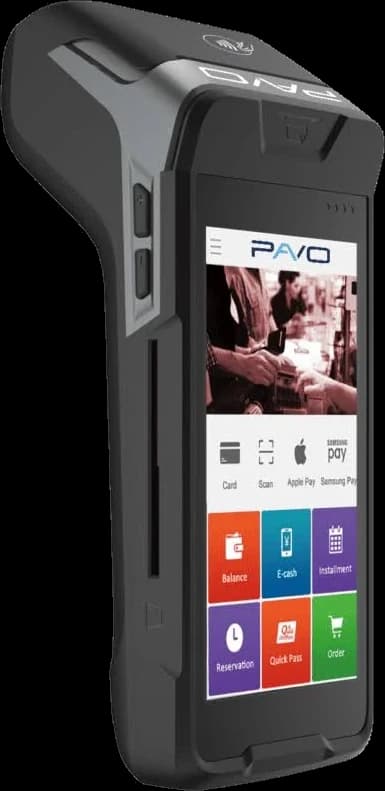
- Fiscal register (ÖKC)
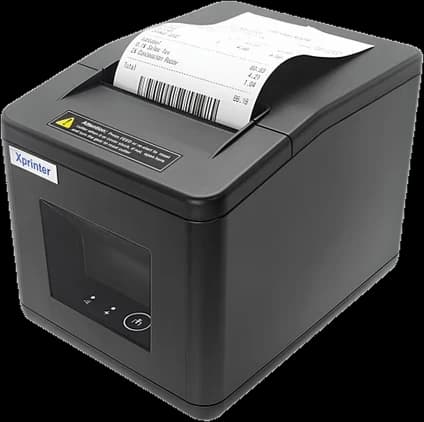
- Thermal printer
- Mobile app optional
- 24/7 live support
- Free setup in 30 minutes
- 1-week free trial
Businesses using Posanto every day
 Uyanık Library
 Taffee Coffee
 Kuş Sütü Meze Evi
- Active Branches
- 15+Active Branches
- Registered Customers
- 10K+Registered Customers
- Monthly Transactions
- 50K+Monthly Transactions
- Integrated Interfaces
- 4Integrated Interfaces
Use it without an app, too
Posanto runs on a computer or tablet with the web POS and the management panel. The staff and customer apps are there if you want them.
Without the app
Starter planA computer or tablet and your POS device are enough.
Web POS
Counter sales, tables and checks from a computer or tablet
Management panel
Products, prices, stock, campaigns and reports
POS device and fiscal register
Payments go to the POS device, the fiscal receipt to the register
Kitchen display and printer
Orders reach the kitchen on screen or as a printed slip
No app to install on any phone.
With the app
Standard and Pro plansEverything in the app-free setup, plus the mobile app.
Staff app
Waiters take orders at the table on their phone, split and close bills
Customer app
Customers order, collect stamps and points and pay from their wallet
Memberships and notifications
Membership and session sales, targeted notifications
Posanto's name or your own
On Standard in the Posanto app, on Pro under your own name and logo
You can add the app later; the system stays the same.
The screens you will use
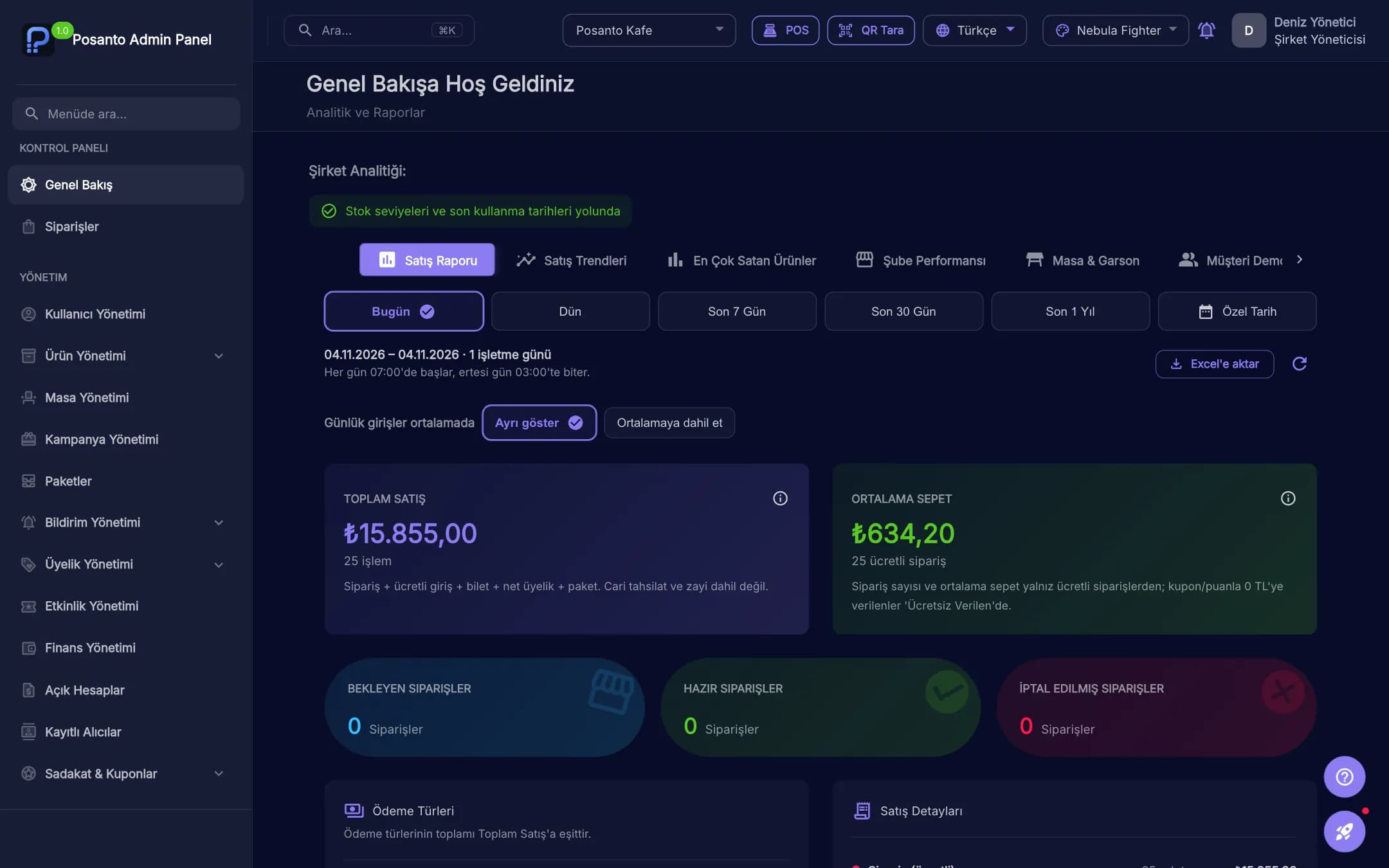
These are taken from the product itself. An order a waiter enters shows up on the kitchen screen, and a payment taken at the till shows up in the manager's report.
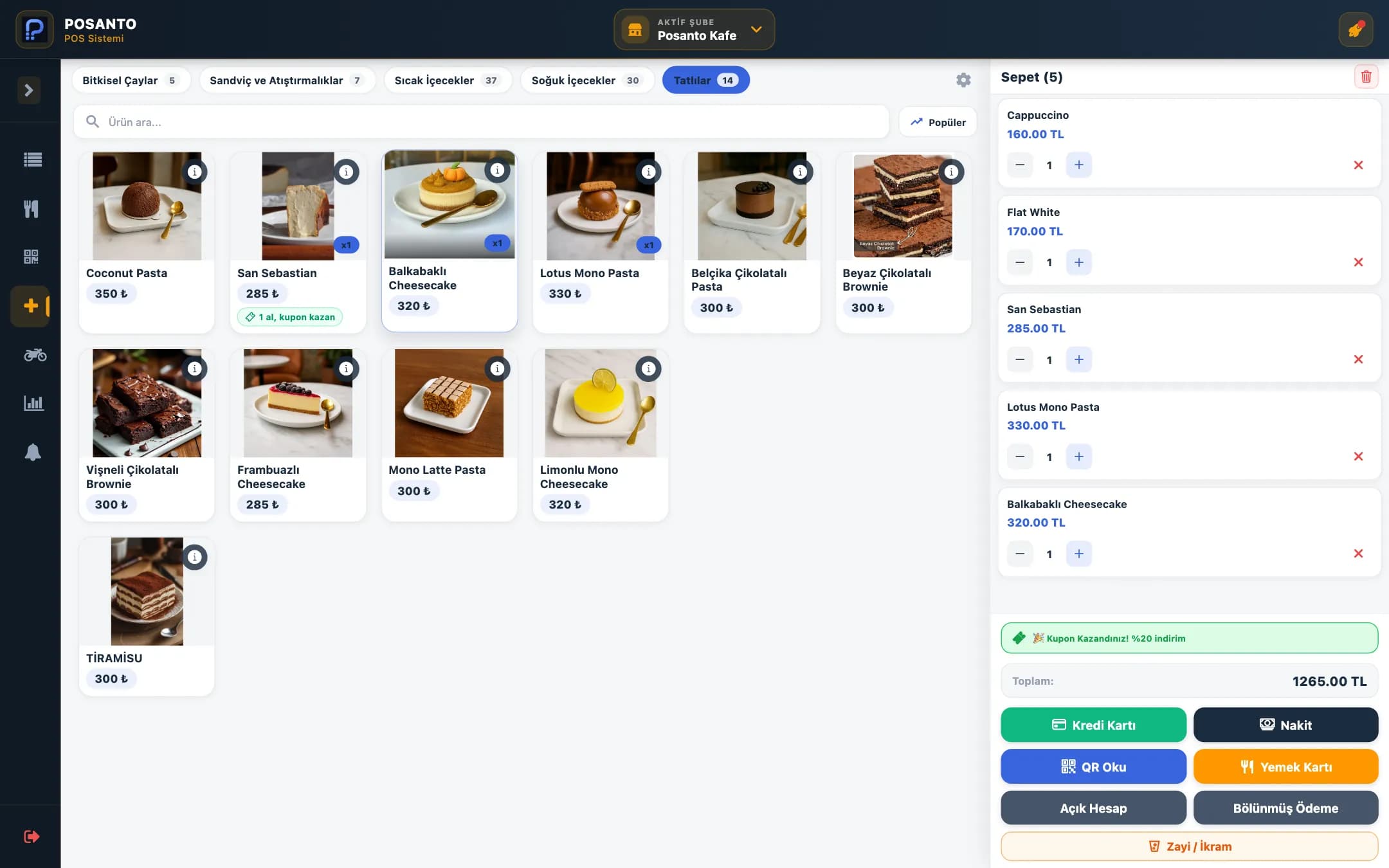
Orders and payment at the till
Pick items from a menu with photos, keep the basket in view and take payment in cash, by card or through the fiscal register. Campaigns and coupons you set up are worked out by the till.
- Cash, card, fiscal register and split payment
- Find products by category or search
- Orders tracked as preparing, ready and delivered
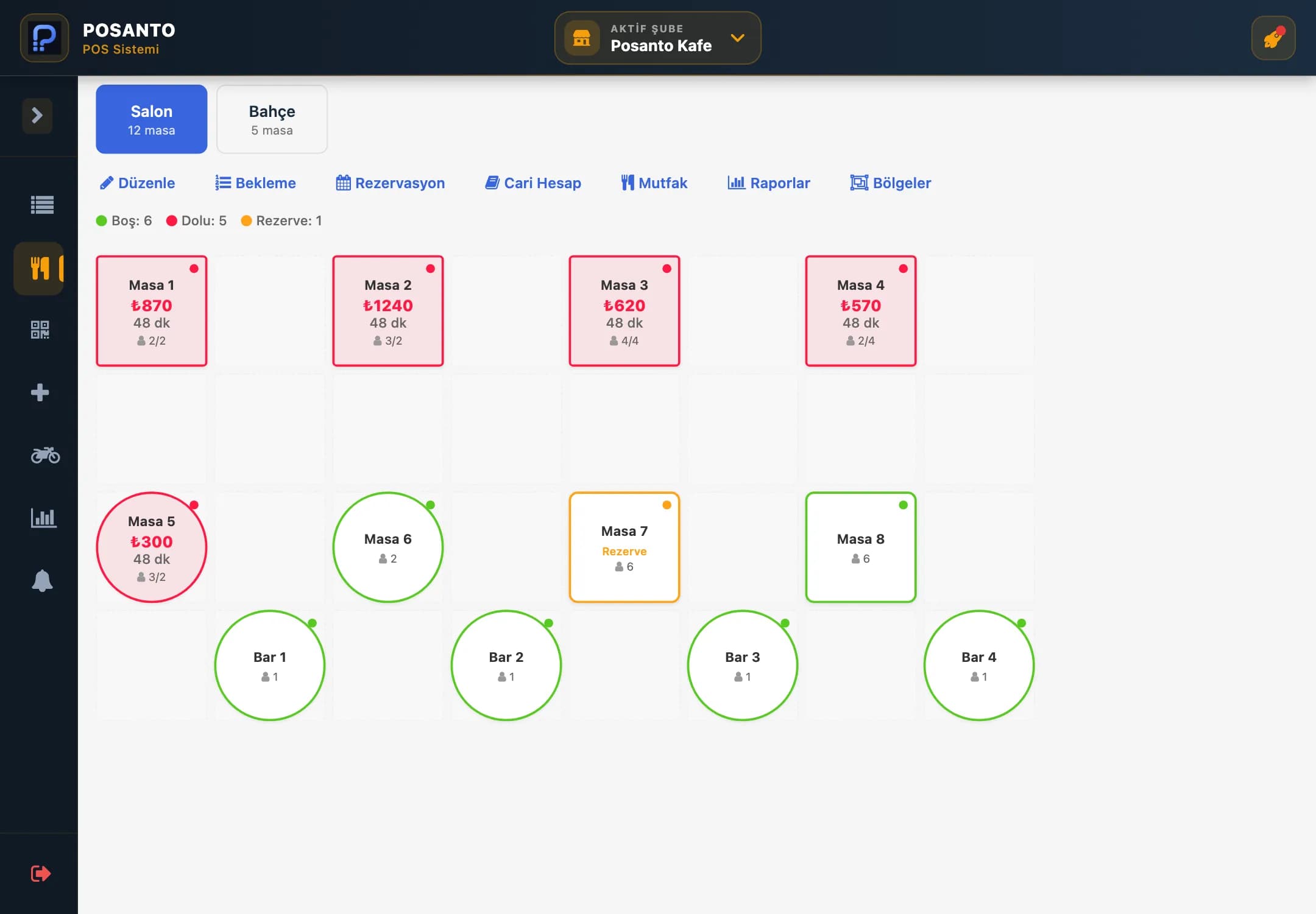
Your floor plan on screen
Lay out tables the way they stand in your room. Busy, free and reserved tables are told apart by colour. Open a check, move a table or split the bill.
- Separate areas such as indoor and garden
- Split bills, move and merge tables
- Table orders go to the kitchen screen
Take orders at the table or at the till
Waiters enter the order on their phone at the table and can split or close the bill there too. Takeaway customers don't need a table: take the order and the payment at the till.
- Open checks, add orders and split bills at the table
- Sell at the till without opening a table, for takeaway
- Payment at the table or the till: cash, card or the customer's QR
- Today's sales report on the manager's phone
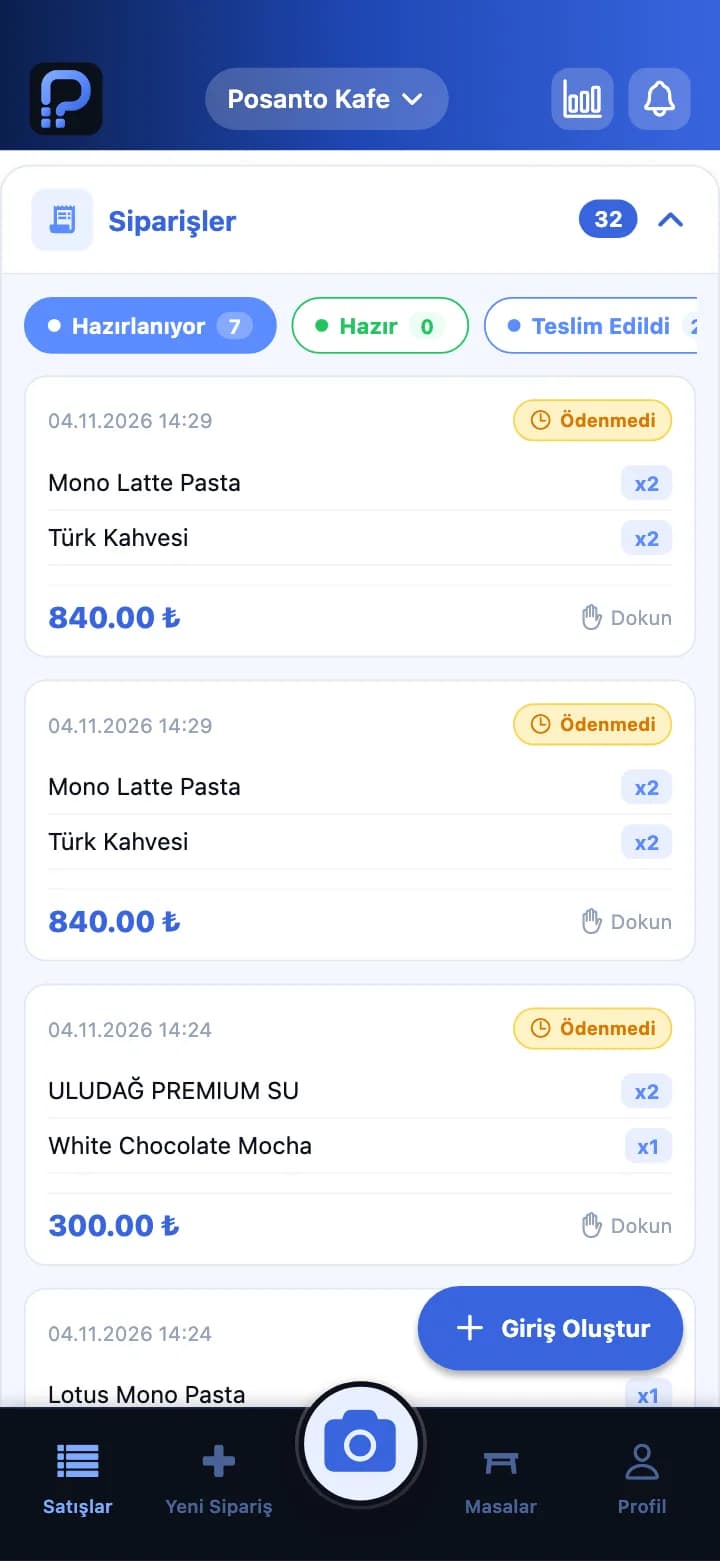
Orders
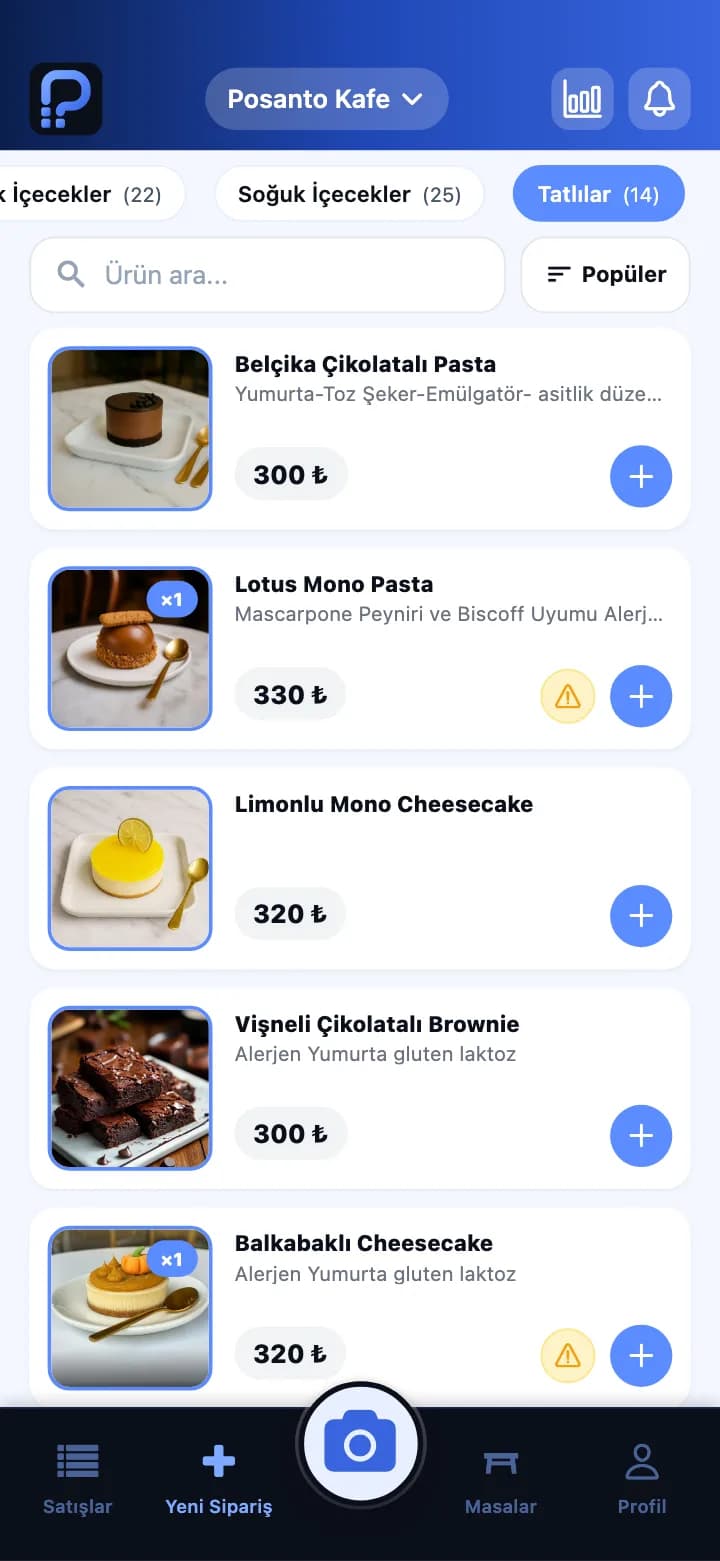
New order
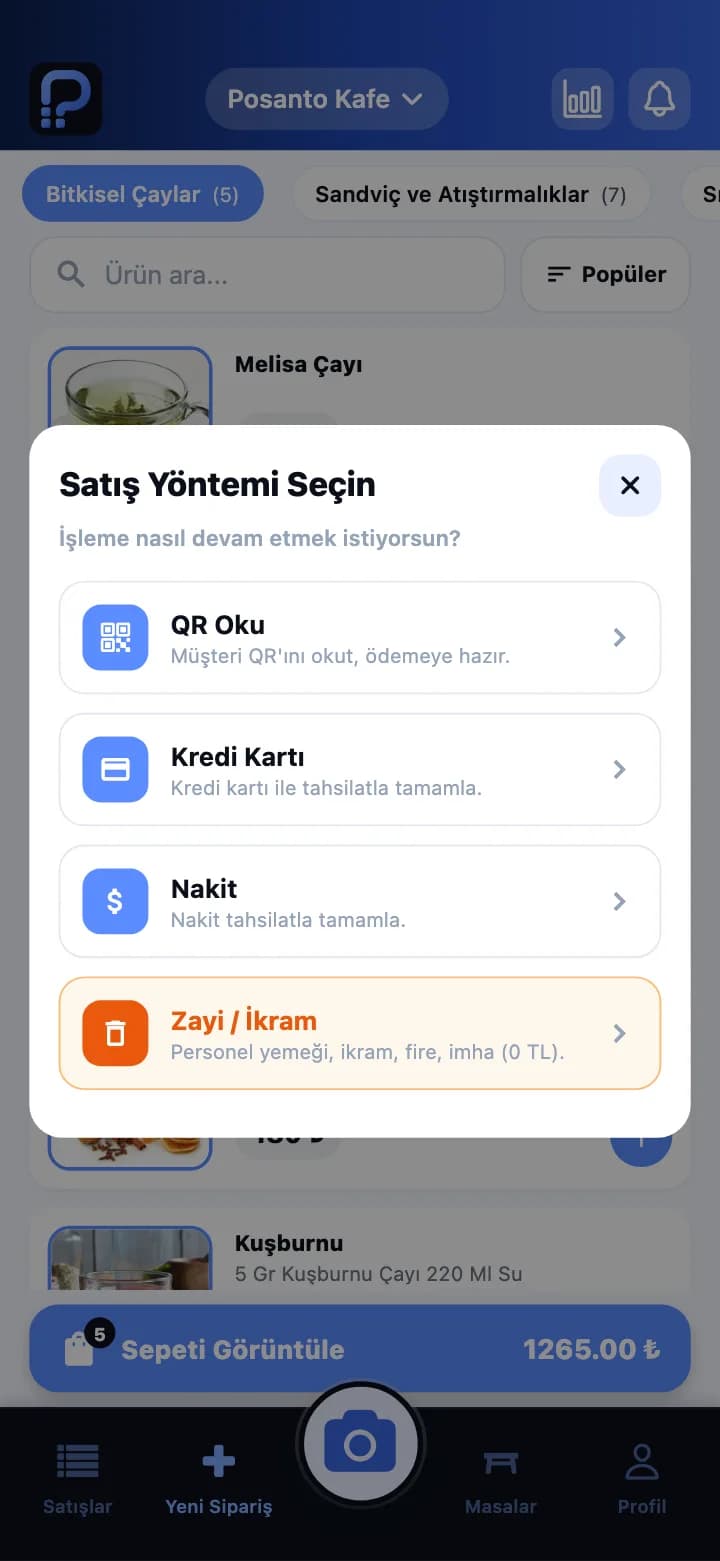
Payment
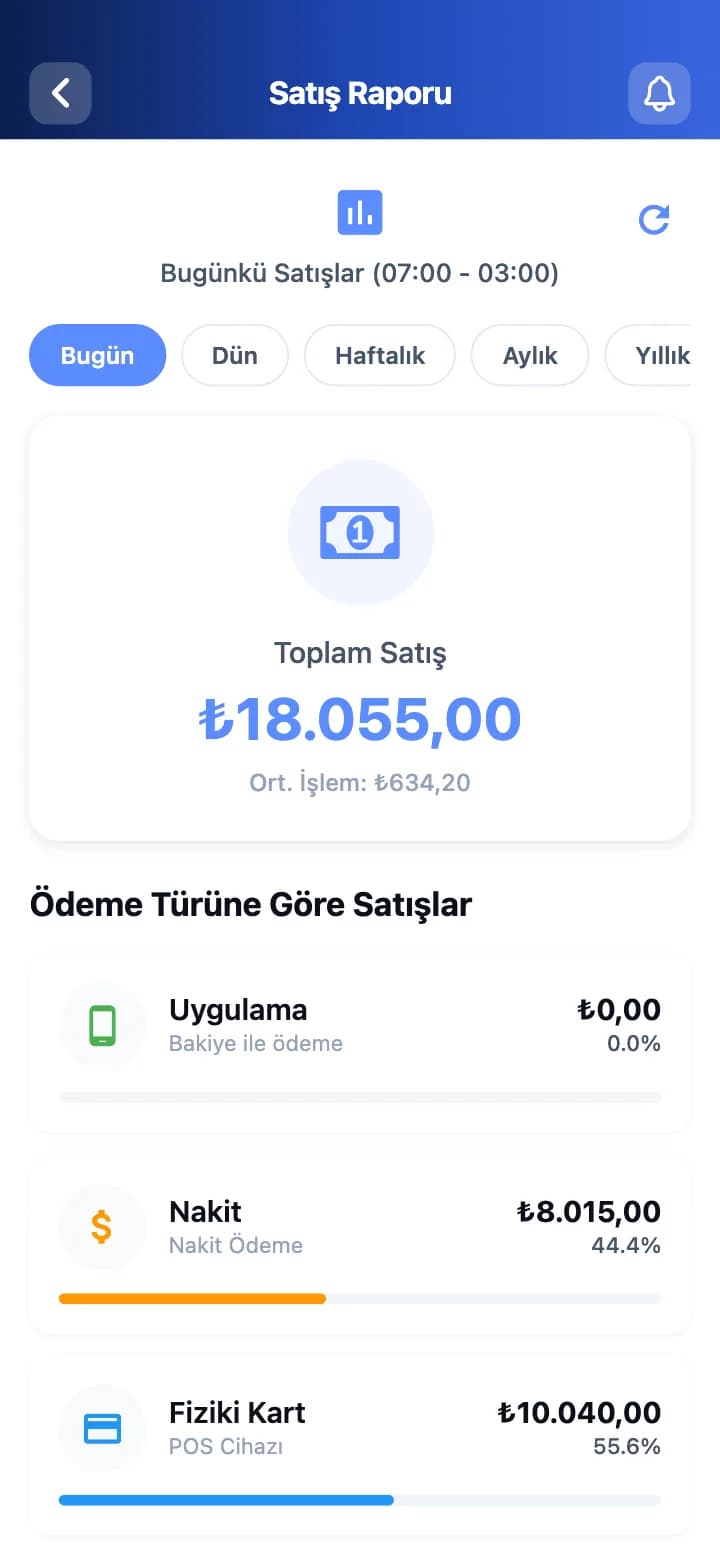
Sales report
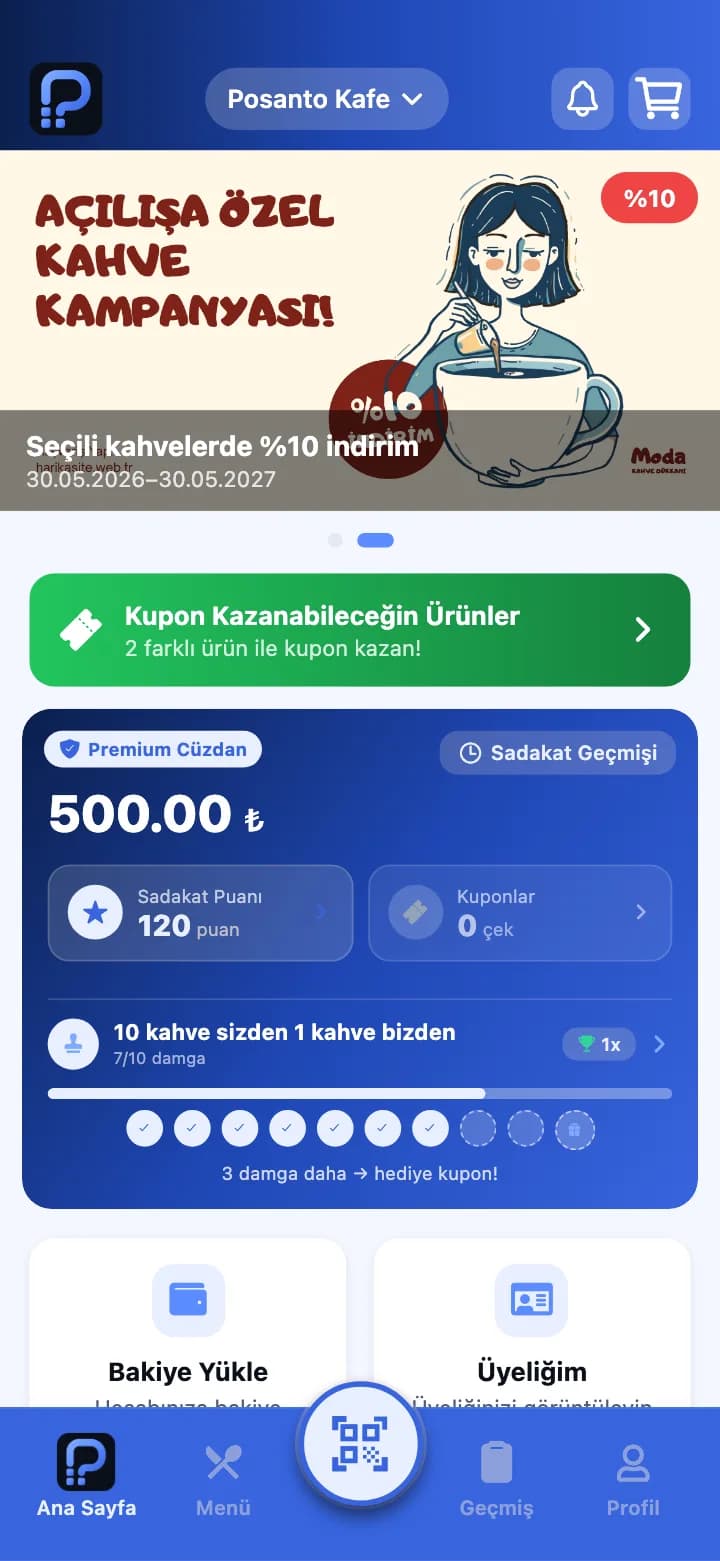
Customers order from their phone and collect points
Standard, Pro and Enterprise plansMenu, stamp card, points, coupons and wallet in one app. Customers show their QR code at the till and the points go to their account. If they ordered in the app, they get a notification when it is ready.
- Digital stamp card and points
- Wallet top-ups, wallet payments and memberships
- Campaign and coupon notifications
Standard · In the Posanto app
Customers download the Posanto app and pick your business. You don't have to publish an app yourself.
Pro and Enterprise · Your own app
A separate app with your business name and logo, published on the App Store and Google Play.
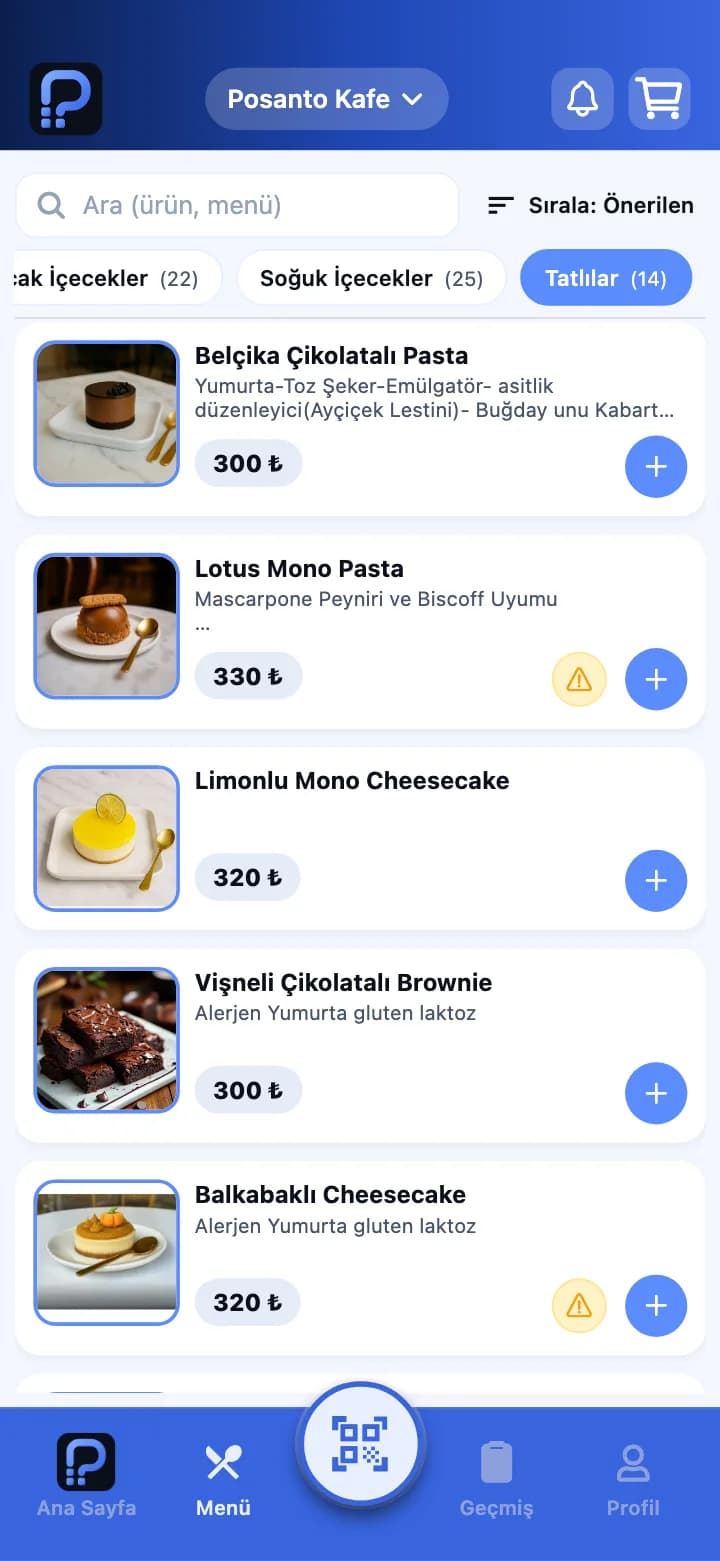
Menu
Stamp card
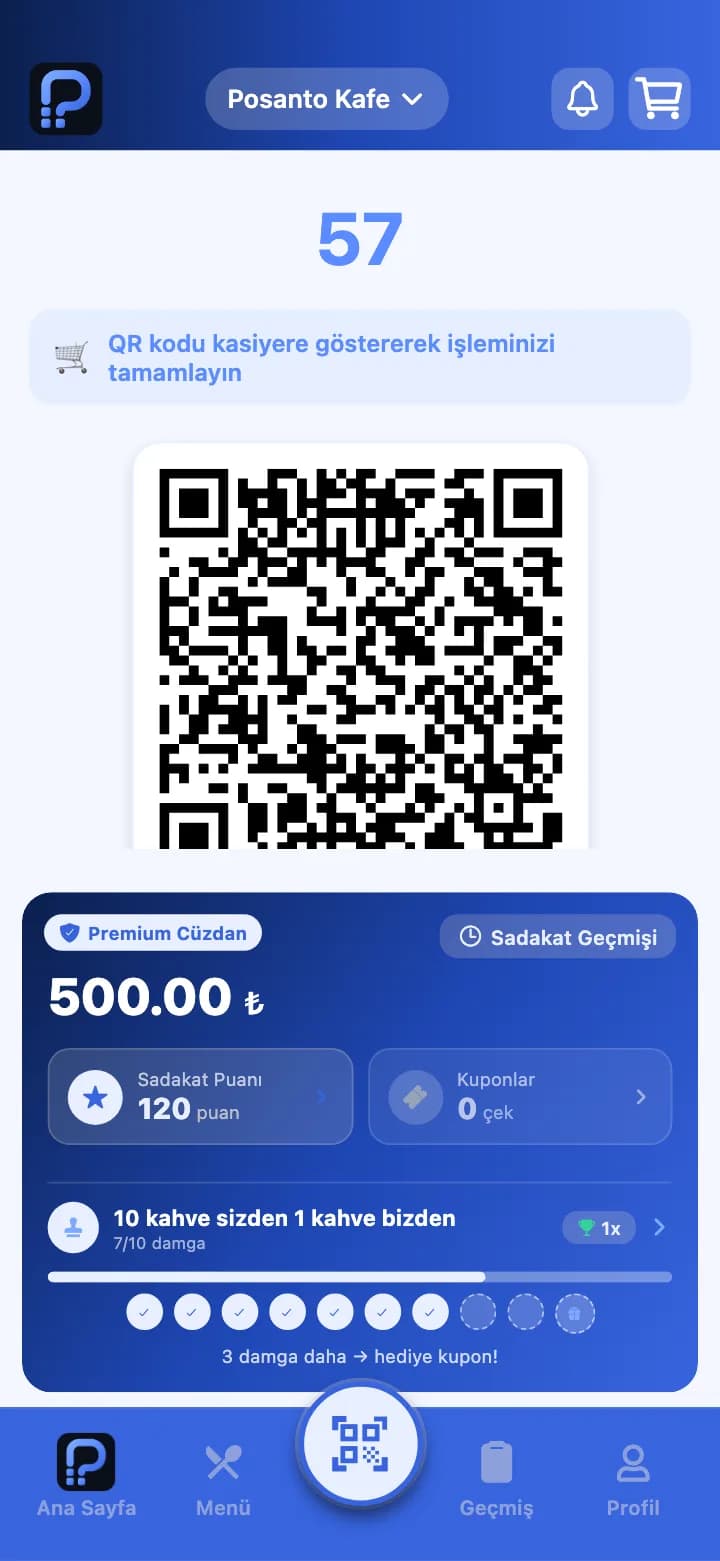
Wallet and QR
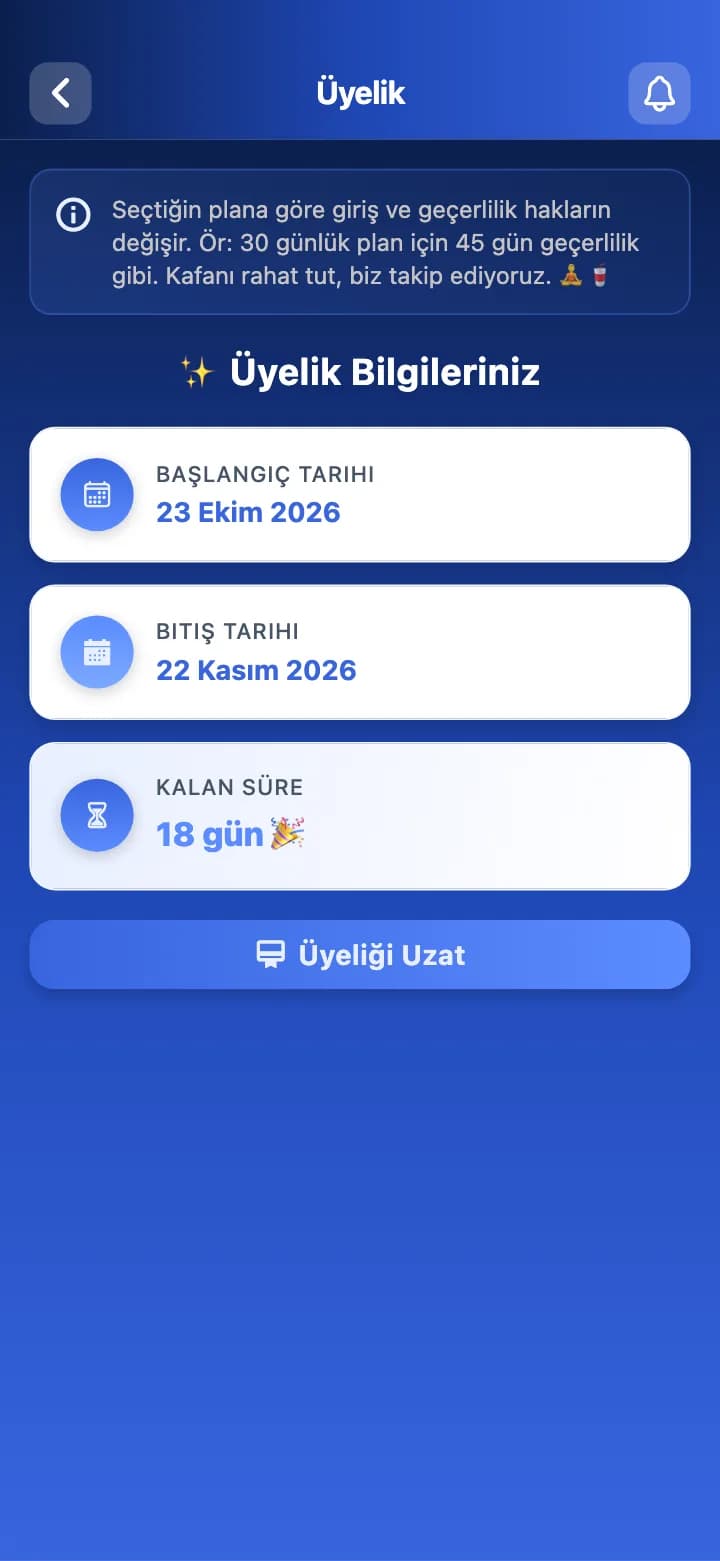
Membership
Manage sales, products and campaigns from the panel
Follow today's sales, payment types and table and waiter performance. Change a product, price or campaign here and the till and the app pick it up.
- Sales and payment type reports
- Table and waiter performance
- Products, prices, campaigns and tables
Works with your fiscal register and thermal printer
When you confirm a sale at the till, the amount goes to the fiscal register and the receipt prints there. Nobody types the amount into the device.
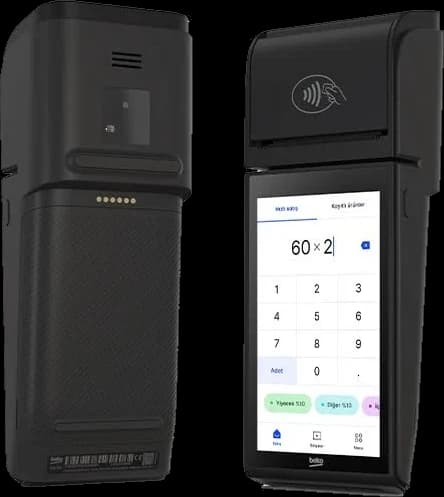
Beko X30TR
Integrated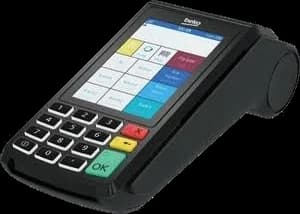
Beko 300TR
IntegratedPavo N86
Integrated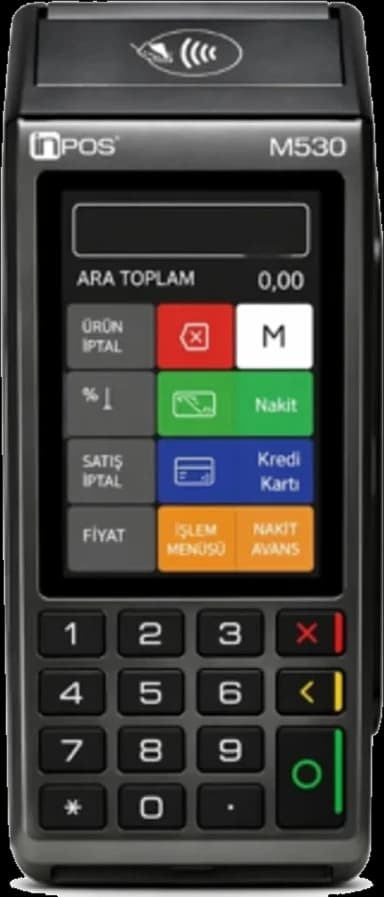
InPOS M530
IntegratedThermal printer
All plans
The fiscal register connection is in every plan. If your device isn't listed, ask us.
The printer runs through the Posanto desktop app on the computer it is connected to (Windows, Mac, Linux). It prints the order slip for till sales, a kitchen slip for orders from the app and delivery platforms, and the bill when a table closes.
Delivery platform orders come to the till
Yemeksepeti, Trendyol GO and Getir orders arrive in Posanto and the kitchen slip comes out of the printer. In every plan.
- Yemeksepeti
- Trendyol GO
- Getir
Pick the plan that fits
Prices are per branch, yearly and exclude VAT. When you grow, you move up a plan and keep the same system.
Starter
₺20,000/yr
Till, tables, kitchen and stock in full; no mobile app.
- POS, table management and fiscal register (ÖKC)
- Kitchen display, waiting list and reservations
- Delivery platform integration
- Recipe, ingredient, stock and warehouse management
Standard
Most Popular₺27,500/yr
Everything in Starter, plus the Posanto mobile app.
- Everything in Starter
- Ordering, loyalty and wallet in the Posanto customer app
- Staff app for waiters and cashiers
- Membership, session, package and event sales
Pro
₺35,000/yr
Everything in Standard, with the app under your own name and logo.
- Everything in Standard
- Mobile app with your own name and logo
- Published separately on the App Store and Google Play
- Customers see only your business in the app
Enterprise
Custom Quote
Central control of your branches, and a customer app under your own logo.
- 3+ branches, unlimited users
- Central price and campaign management
- Custom API integration (ERP / accounting)
- Branch comparison
Every plan includes 24/7 live support and free setup. You can try it free for a week.
Ready for legal requirements
- Allergen notice
- Price list
- Price tags
- Food business QR code
How we get started
- 1
Today
Live demo
In a 30-minute call we go through the screens with your business in mind.
- 2
Setup
Free setup in 30 minutes
We set up your menu, tables and devices and move your existing data over.
- 3
First week
1 week free
Use it in your own business for a week, then choose a plan.
24/7 live support
Reach us by phone or WhatsApp during evening service and at weekends too.
Frequently Asked Questions
The questions we hear most about Posanto. If yours isn't here, try the demo account or write to us.
10 questions and answersLet Us Show You Posanto
In a 30-minute live demo we show Posanto with your business in mind and answer your questions.
What you get with the demo
- 30-minute live demo
- Setup plan for your business
- 1-week free trial